PDF Reader Lite - Fast Viewer: View and Annotate PDFs
PDF Reader Lite - Fast Viewer is a free PDF tool by Omareyah Team that lets you view, annotate, draw, split and merge PDFs.
Get APK · v1.0.4PDF Reader Lite - Fast Viewer requires Android 8.0 or newer, shows ads, and has no in-app purchases. Version 1.0.4 was updated on 28 October 2026 with about 100,000 installs and a 3.71 rating from 462 ratings. Students, professionals and everyday users read, mark up and manage PDFs locally without uploading files.
Screen gallery
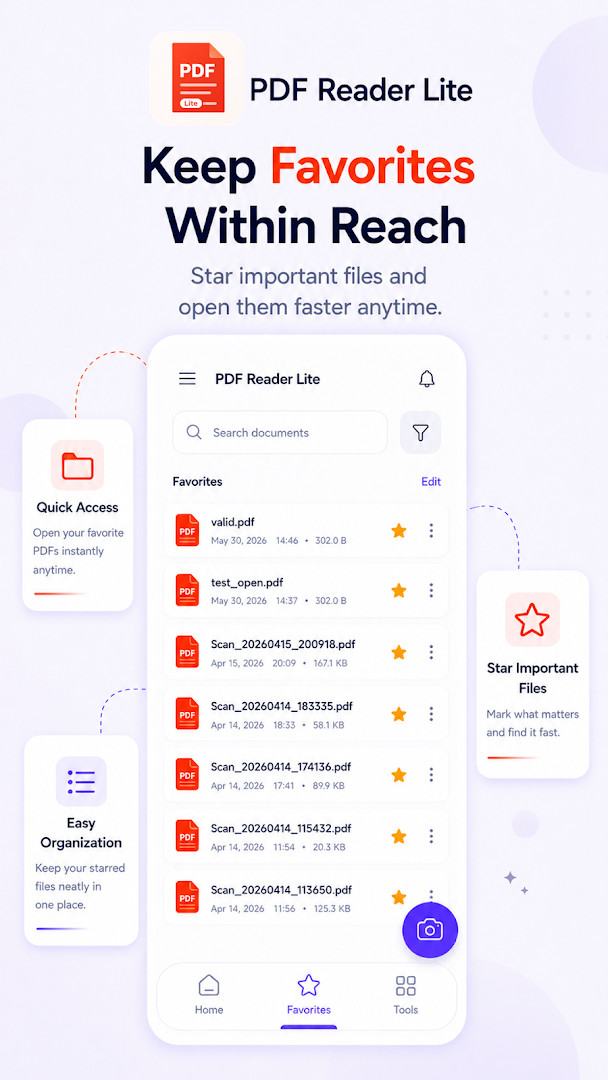
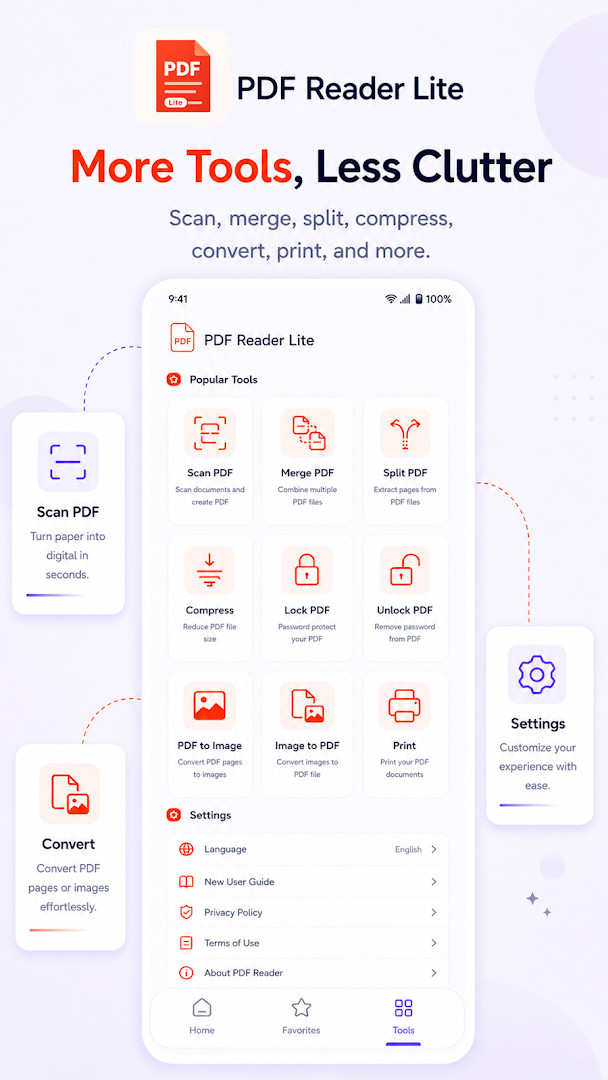
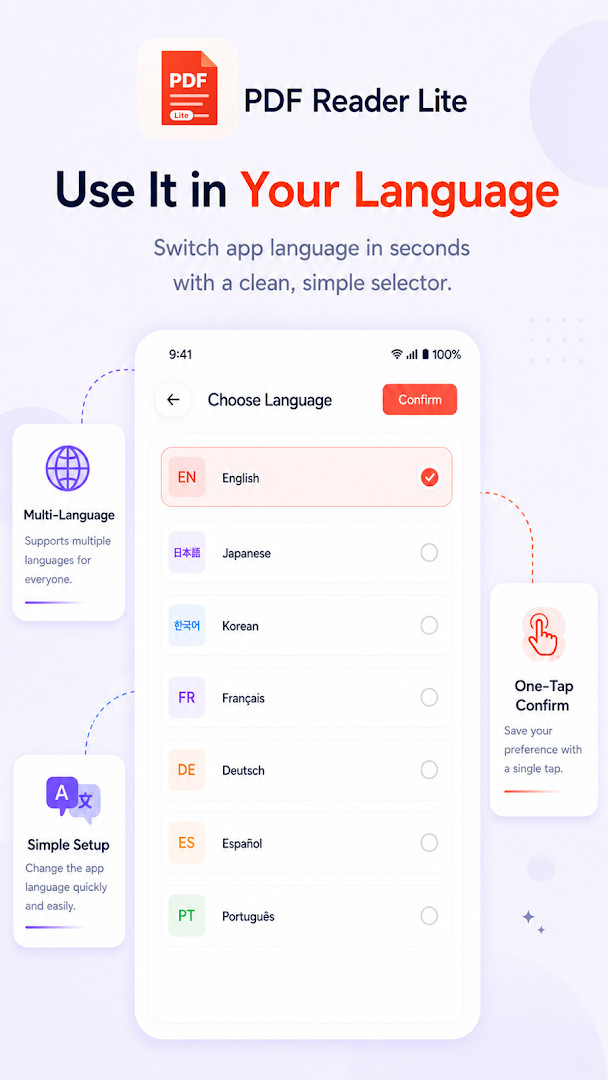
- Version
- 1.0.4
- Requires Android
- 8.0
- Updated
- Oct 28, 2026
- Installs
- 100K+
- Rating
- ★ 3.71 (462)
- Category
- Tools
- Developer
- Omareyah Team
- Content rating
- Everyone
- Package
- com.smartapp.pdflite
- Free
- ✓ · Contains ads
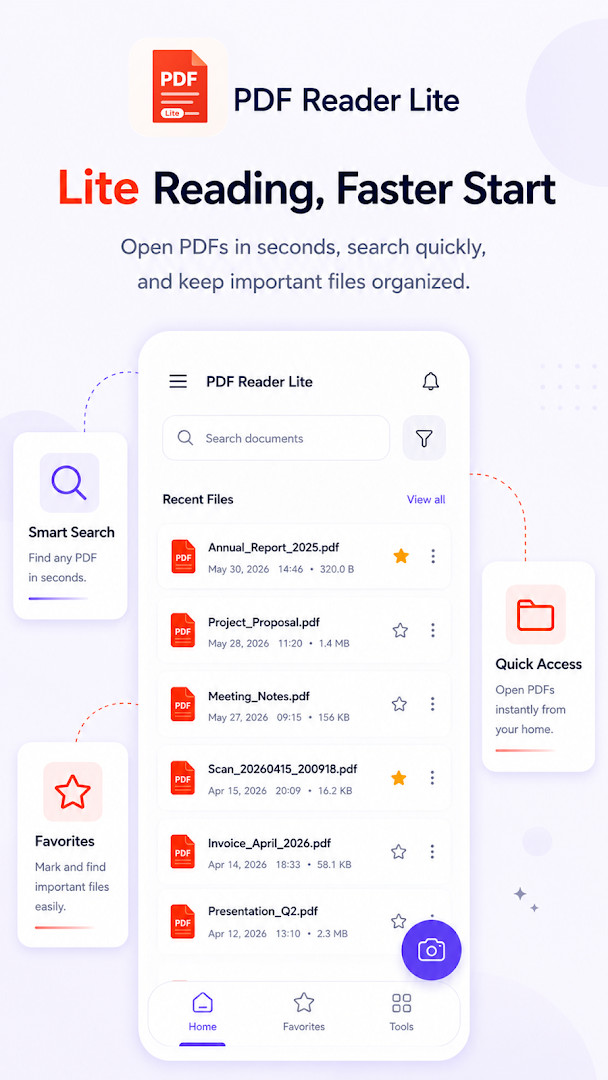
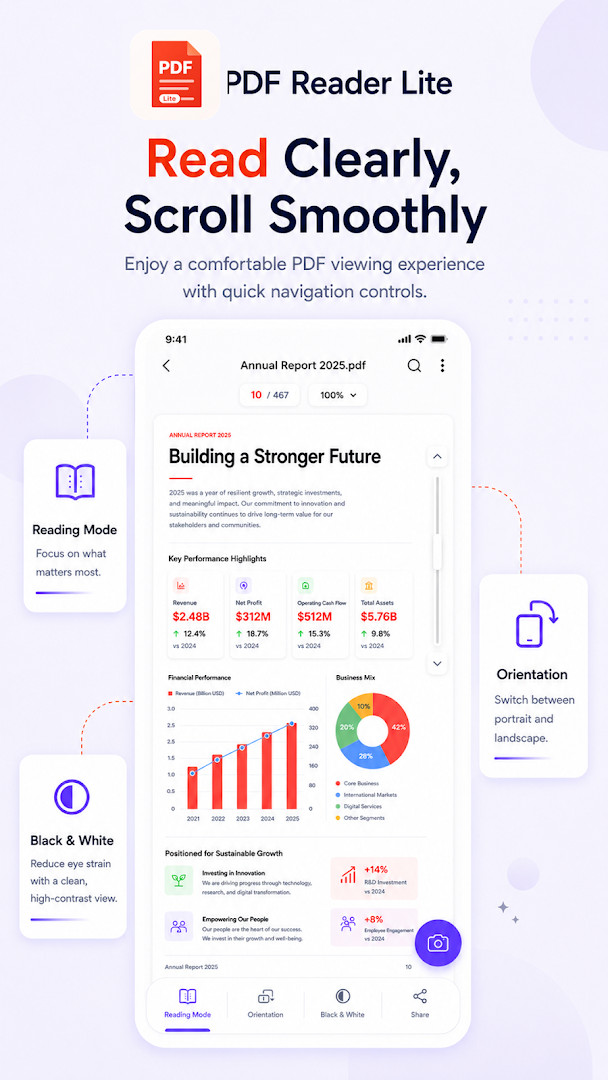
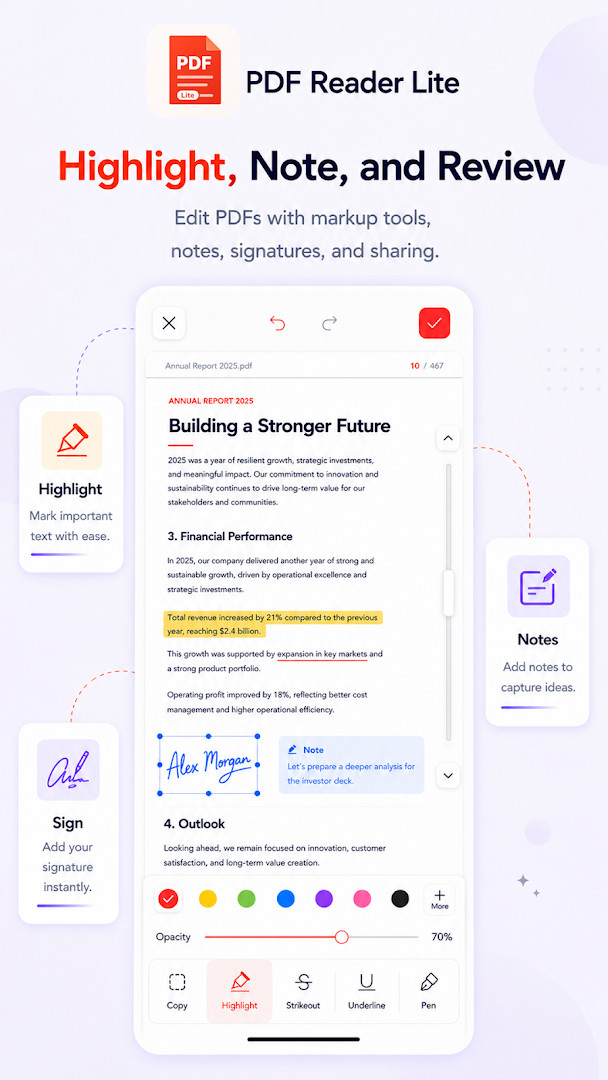
PDF Reader Lite - Fast Viewer is a PDF-focused utility by Omareyah Team that lets you view, annotate and manage PDF documents directly on your phone. The whole design leans toward speed: documents open almost immediately and scrolling stays fluid even with sizeable files, so you do not sit around waiting between pages. A hideable toolbar, switchable day and night themes, and automatic scanning of every PDF on the device help you get straight to the content, and the built-in document manager sorts files by date, name or size while supporting folders and quick search. On the editing side it covers the essentials with multi-colour highlighting and underlining, long-press notes, finger or stylus drawing, and one-tap undo and redo. Security is handled locally: you can password-protect individual PDFs or lock the whole app with a pattern or PIN, and all processing happens offline with nothing uploaded anywhere. Handy extras let you turn images from your gallery into a PDF with adjustable order and compression, split or merge documents, and rotate, delete or rearrange pages without touching a computer. The latest release, version 1.0.4 from late October 2026, focuses on bug fixes and performance improvements rather than new functions, which keeps the experience stable on devices running Android 8.0 and up. It is free to use with ads and no in-app purchases, and it carries an Everyone content rating.
Key features
- Instant PDF opening with smooth scrolling on large documents
- Immersive reading mode with hideable toolbar and day/night themes
- Automatic PDF scanning with sorting by date, name or size, plus folders and quick search
- Highlight, underline and long-press notes in multiple colours
- Hand drawing for circling, signing or sketching with finger or stylus
- Undo and redo for all annotation actions
- Password protection for individual PDFs plus app lock via pattern or PIN
- Image to PDF conversion with ordering and compression options, split and merge tools, and page rotation, deletion or reordering
How to install
- Tap the download button on this page and let the APK download to your device (file size n/a; it requires Android 8.0 or newer).
- When Android asks, allow your browser or file manager to install apps by enabling the "Install unknown apps" setting for that source.
- Open the downloaded APK file from your notifications or Downloads folder.
- Tap Install and wait for the installation to finish.
- Open the app from your home screen or app drawer and grant any permissions it requests when prompted.
Pros
- Fast, responsive performance even with bigger PDFs
- Strong privacy focus with offline processing and no uploads
- Useful annotation and page-management tools all in one place
- Free with no in-app purchases
- Password protection and app lock for sensitive documents
Cons
- Supported by ads, which can interrupt reading
- Requires storage, camera and Wi-Fi connection permissions
- Focused on PDFs only, so other document formats are not covered
- Modest rating of 3.71 from 462 user reviews
Latest changes · 1.0.4
PDF Reader Lite - Fast Viewer (version 1.0.4, released 2026-10-28) arrives with a round of bug fixes and performance improvements, making the reading experience smoother and more reliable. If you've been using it for quick PDF viewing, annotation, or document management, this update helps things run more efficiently. It's a solid, practical refresh for anyone who wants a dependable, fast PDF tool on their device.
Older versions
| Version | Size | Requires Android | Updated |
|---|---|---|---|
| 1.0.4 | — | 8.0 | Oct 28, 2026 |
| 1.0.2 | 47 MB | 8.0 | Sep 4, 2026 |
Students who take notes on handouts and papers, professionals who need to annotate and sign contracts or proposals, and everyday users who want a quick local viewer for invoices, manuals and personal files.
If you handle private documents, turn on the app lock from the settings; because everything stays on your device, that single pattern or PIN keeps your files safe even if someone else picks up your phone.
Permissions
Frequently asked questions
Is PDF Reader Lite - Fast Viewer free to use?
Yes, the app is completely free to download and use, with no in-app purchases. It does show ads, but all core reading and PDF tools are available at no cost.
Which Android version do I need to install it?
You need at least Android 8.0 to run PDF Reader Lite. The current version is 1.0.4, which was released in October 2026.
Does the app require me to create an account or sign in?
No account or sign-in is needed. You can open, annotate, and manage PDFs right away, and everything is processed locally on your device for offline use.
What permissions does the app request?
It asks for access to photos, media, and files, plus storage, camera, and Wi-Fi connection information. These are used for features like converting images to PDF and managing documents on your device.
How do I update the app to the latest version?
Simply download the newest version from this page whenever an update is available. The current release is 1.0.4, and it includes bug fixes and performance improvements.
Will the app work on older phones or tablets?
It's designed to run on Android 8.0 and above and is adapted for various screen sizes. For the smoothest experience with large PDFs, a reasonably modern device is recommended.
PDF Reader Lite is a genuinely practical free tool that covers reading, annotating and light document management without the bloat. The ads and permission requests are the main trade-offs, but for lightweight, everyday PDF work on Android it delivers a solid, dependable experience.
Updated: Nov 27, 2026